week ten – thursday 3rd october
After the interim presentation I sat down with Tim to work out how to get the hand duplicating within the screen controlled by an intArray that uses the data I collected to personalise each design.
We started out slow, the first step was to simply generate two hands in one space by writing out the loadShape and relevant functions twice. Then we went to change this into an array, this had a range of errors. Pictured in the slide below is an error that shows that the [0] or first hand render width couldn’t be multiplied by two as it was technically a zero integer value. We struggled to figure out why the second hand stopped generating once we fixed the errors.
What we figured out we needed to do was revert or undo the translation after each run through of the draw function. We needed to do this because the translate function relocates the center point of an object. Without the revert, the next run through translates off of this new base again, off the screen. This also needed to happen with the rotateX function as well.


Next, in order to get the random generation of the hands across the X axis we put in translate(random(0, width));
however when we went to revert this back using the negatives values we realised that it could pick one set of random values for the translate and could select a totally different set to revert it back to.
We solved this by creating a variable that would have both random positions as the same – that we could then plug into the initial translate and then the reverted version; ‘float randomPos = random(0, width);’
this is getting a bit confusing – I hope the images help to make sense of my rambling

Another thing I wanted to randomise per page design was the scale of the hands, just to personalise the pages per render.

Then I went onto the meaty bit of my design, where I would change the number of hands in the frame based on the measurement of each persons hand. What we decided we needed to do was to change the value of hands manually rather than through an intArray because an intArray runs through the values every frame, and this was far too fast to capture/save for each ‘page’.
However the problem that we had was that when we used one of the smaller values, 10cm, the 10 3D render files took up too much memory to actually run.
One possible solution to this is to perhaps run the program and take X(finger length) amount of screenshots of the hand in random positions, rotations & scales to then composite into a whole composition in photoshop later.

The last aspect Tim and I worked on was trying to achieve the text array that is personalised per persons design.
It was important to me to use an array in my code, as this was my initial plan for generating a range of personalised design print outputs and so I wanted to at least do something along those lines.
This array was a whole lot easier than that of the PShape. I created a String array and used some of the code/skills in applying type that I learnt earlier in the semester. Tim then helped me to put in a counter that meant that the text strings would only show one per frame (rather than all at once on top of each other). Then we had to add in an if statement so that once the counter reached the eighth value [7] in the array it would reset, otherwise the counter statement becomes false and the text stops running after the last value.


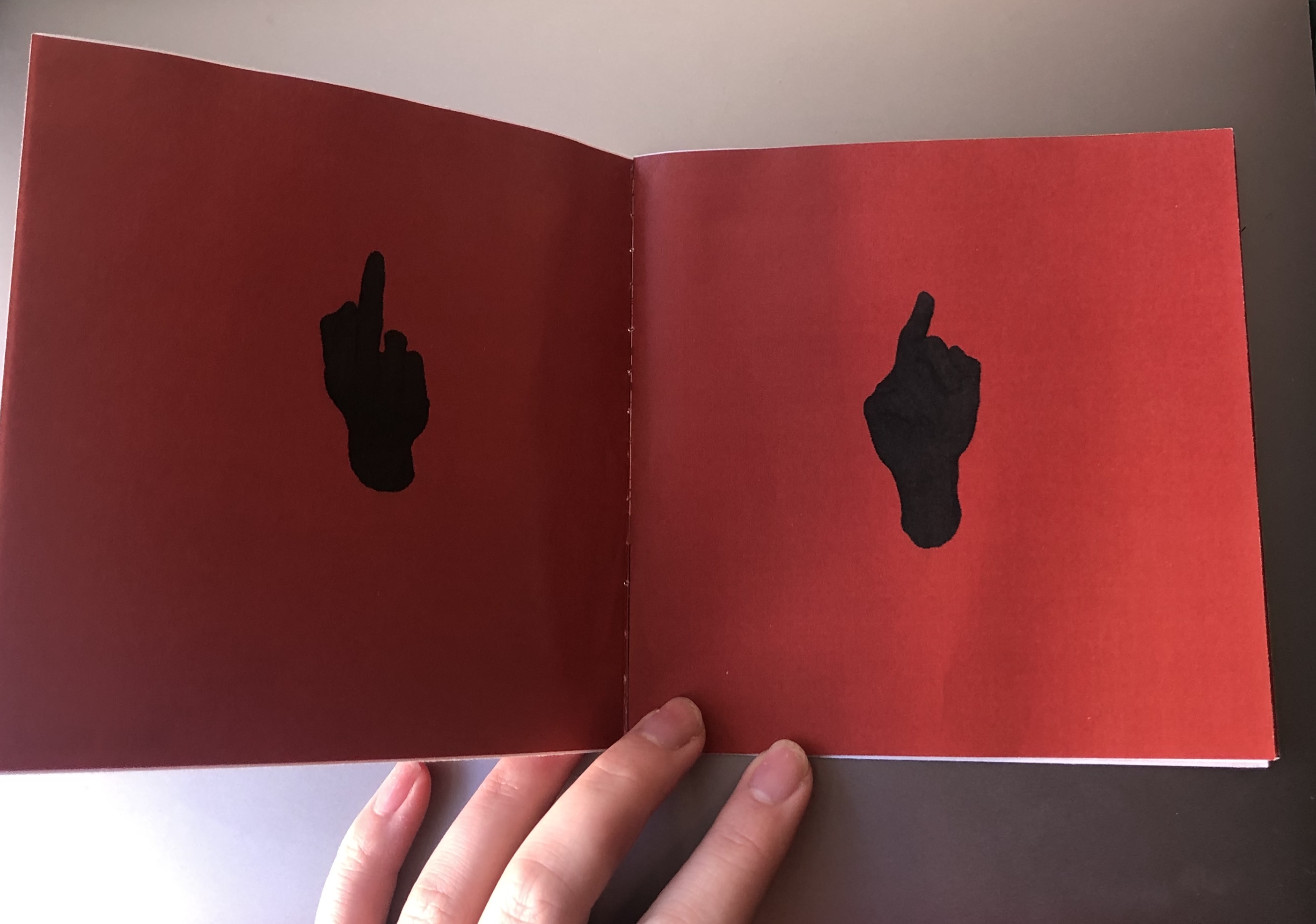
So this is what we have now. My next steps to develop this is to look at how I can create interesting lighting by investigating into the lights(); function. Hopefully this will help me address some of the feedback comments I got from the presentation, in that people wanted to see more of the rotation seen on screen in the printed booklet.
I also want to develop the type into something that represents what is seen in some of my artist models work.
One thing that Tim has suggested to change is the background colour, to a more simple white so that the compositing of the design in photoshop is easier/more clean.
sorry this has been such a long post!


 Coding for Creative Practice