independent study: context Place your code into a range of different contexts and think about what it is you want your code to do, who it is aimed at, where it could be used etc.
mockups-design.com
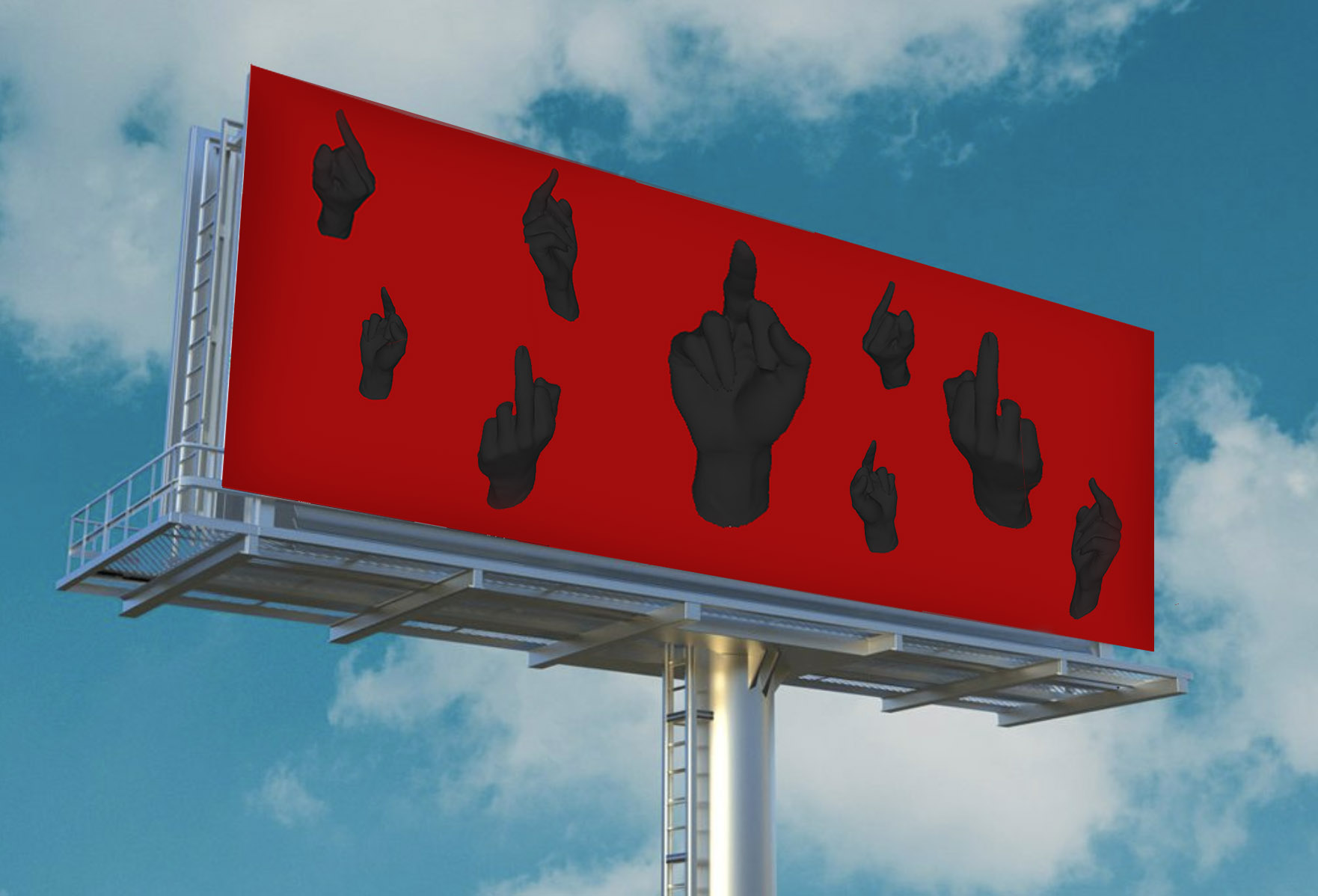
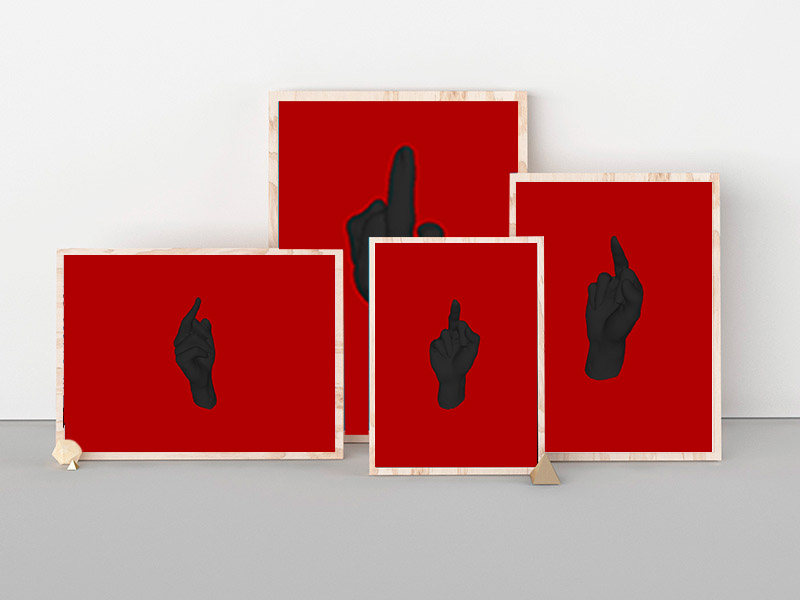
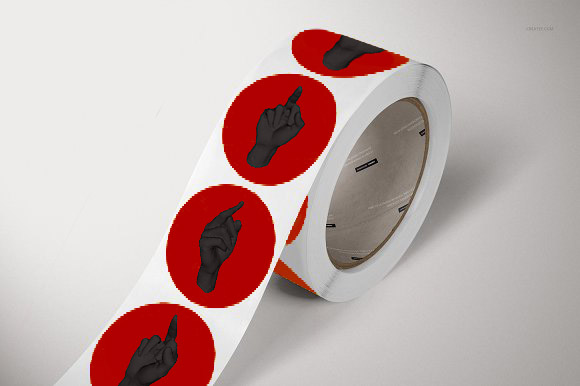
Looking at these mockups I think the ones that have the most potential to be produced and personalised with the data that I am collecting is a set of posters – each one personalised for the person ordering it, a roll of stickers with some general things that people are angry about randomised through my code on them or perhaps a booklet in which each page is personalised based on the data. The pattern that is generated on wither the booklet or the poster could look something like that as seen on the billboard where the number of hands is a representative of the data gathered.
So, this scan loads in processing!!! maybe it was because I took a bit more time fixing up holes and refining this model than I did with the practice one. It still shows some errors but it works just fine. I tried to apply materials & shade in the MeshLab software but when I loaded these models into Processing they reverted back to the original obj. grey.
With a small amount of research I came across how to fill the colour of the PShape using the set.Fill(color()); function, when your float is placed before it. However I couldn’t choose a solid black fill as this removed all three dimensional definition to the shape.
data in processing
Finding a way to manipulate a PShape and generate multiple PShapes of the same obj file has proven to be quite the challenge. I am sure I am missing something simple but all this week I have been watching youtube videos about how to animate images (as I can’t find anything about animating PShapes) and creating an array of images. However none of them quite work with 3D shapes or do what I want (the generation of these Pshapes to be controlled by an array which will have my data values in).
Right now I am watching a series from the coding train on youtube about creating a solar system in which a range of planets rotate around the sun in a 3D space. I thought this could help me as it is generating multiple elements in a 3D space. I have started from the start, watching the 2D shapes video as to not get lost. I followed along creating the code as I went.
I learnt how to make a class and how to call on it. Despite watching these videos I don’t quite understand everything this code is doing.. Nonetheless I thought perhaps the spawn.Moons variable could be quite useful in generating multiple hands in my code, replacing the sun.spawnMoons(5) as a set int value with an array. The first thing I tried was to simply change the names of the variables/floats and replace the ellipse with my load obj function. This didn’t work, I think it struggles with the idea that both Hand and hands are the same obj?.
Also even though it is fine in the solar system model it doesn’t think that hand is variable? ‘hand’ just replaces planets word for word I think so not sure what is going wrong? I deleted some elements such as the rotate float as I wanted to see that it would work on a more basic level..
I will watch part two today, where they go through how to convert the 2D design into 3D. This is less helpful to me but perhaps it will give me some insight into how they get it to work in a 3D space. I have doubts that it will go into PShapes but I am trying to understand how to do this however I can!




 Coding for Creative Practice