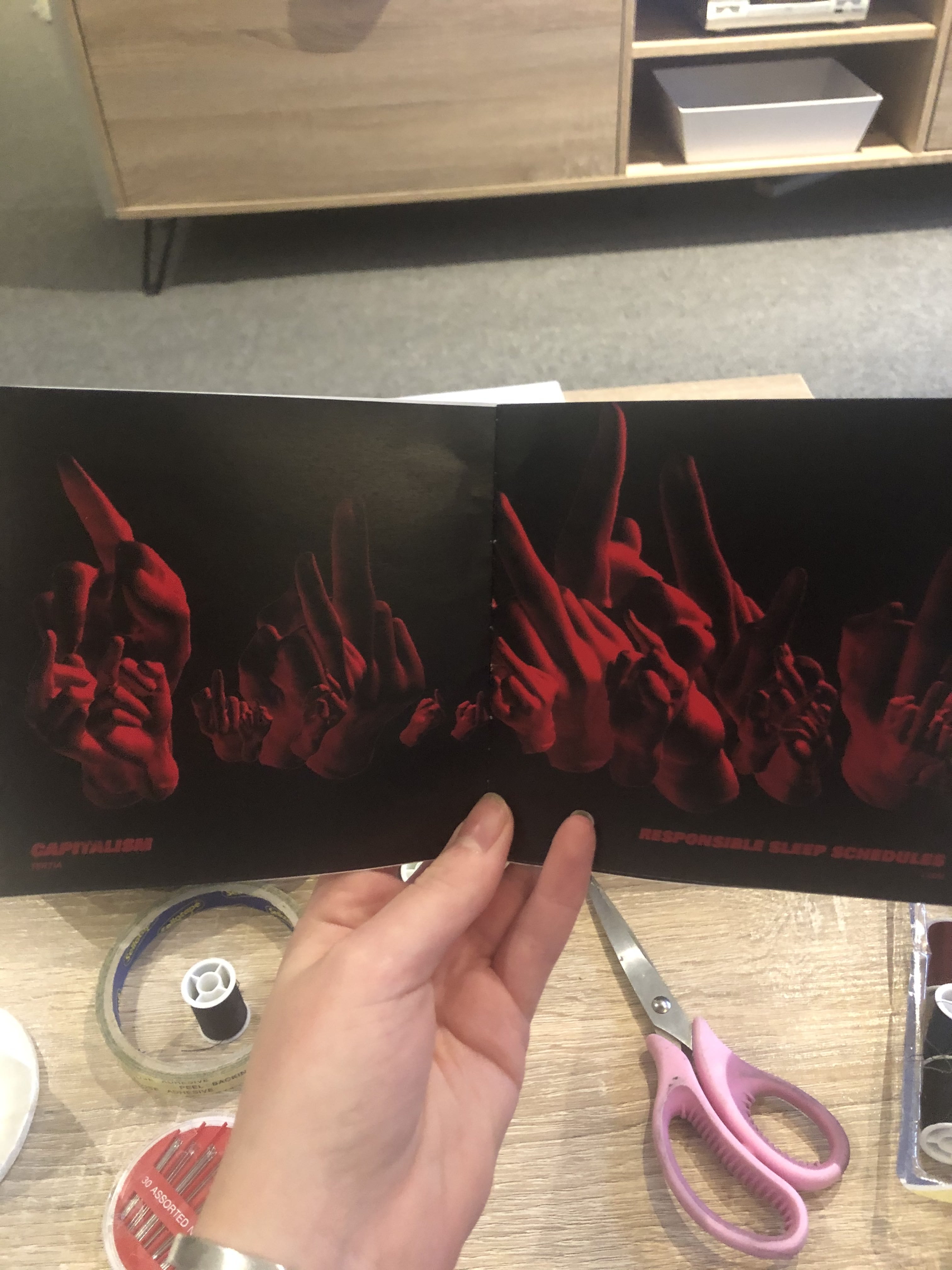
week eleven mockup

week eleven – thursday 10th october

The next mockup I intend to print will be on a thicker gsm paper and hopefully double sided for a more professional finish. This mockup was to see if the dark colour cover & pages were achievable in print, and to test if I had gotten the new booklet style text placement correct.
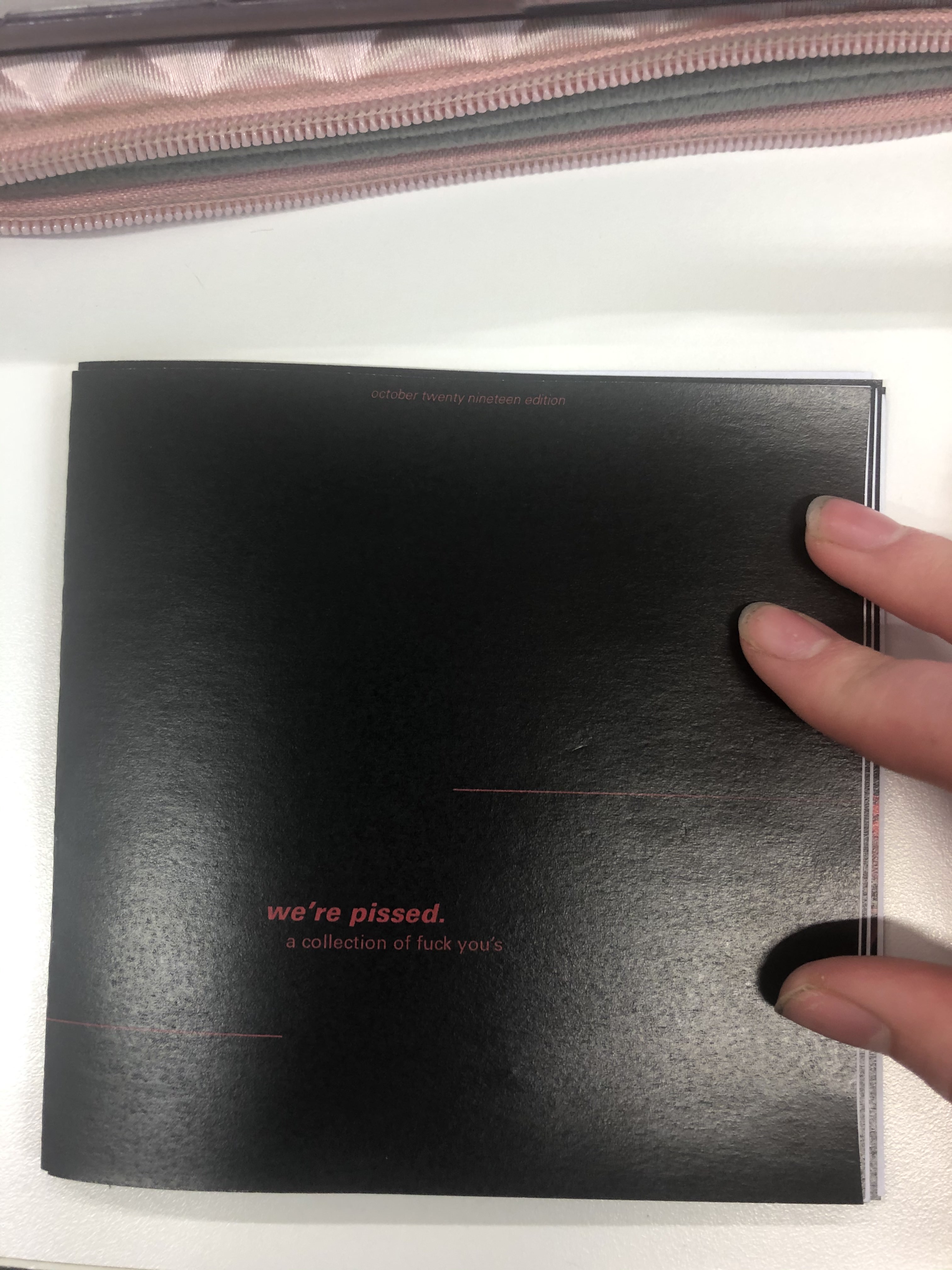
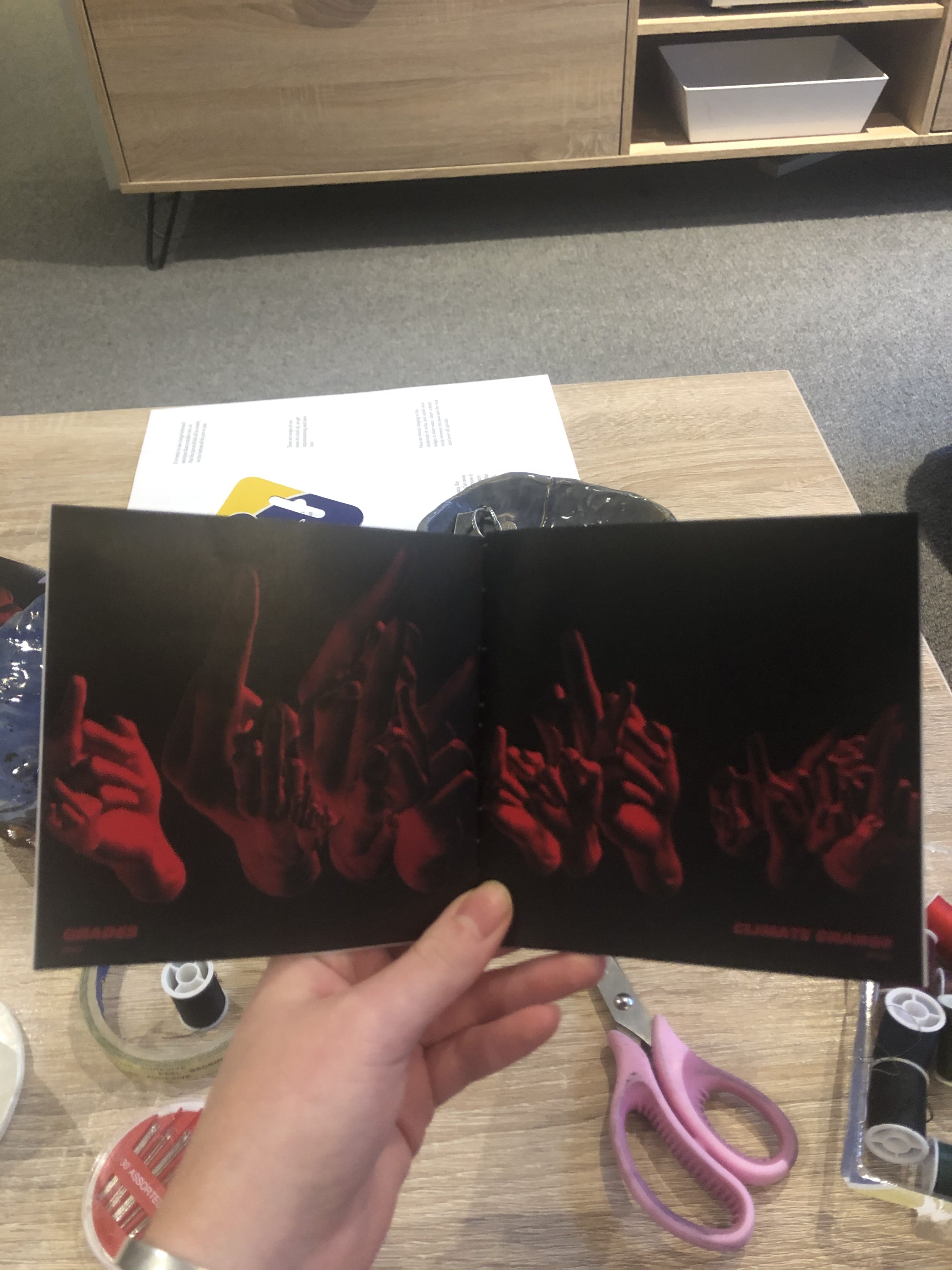
After printing this mockup I noticed that each page, when placed next to each other created a look of a double page spread. I liked this accidental development, although it needed refining. I need to develop my layout (pictured below) so that the pages that sit next to each other can flow well, either with a larger selection of hands in the middle, or more sparse. Otherwise it looks a little bit strange to go from few to many or large hands (see third slide above).

booklet design

week eleven – thursday 10th october

design principal
The design principal that has been driving my output has been contrast. This principal was chosen as it was something that I believed would work well with the aggressive nature of my data. I have used this in my code with scale and light, and in the design of my booklet with typography.

I changed the backdrop to the red that I printed in the first mockup but this didn’t have the contrast I was aiming for. I ditched then to black, as this was something I played around with in my light testing and I thought it looked quite effective.

Next I did a quick design of the cover to print a mockup with two pages, to see if the black background would print okay, and if so what cover design could work.

It turned out that the solid red of the cover, even though it was the same RGB value dulled in comparison to the high contrast black & red.

processing into photoshop

week eleven – thursday 10th october

I took screenshots of the hand as it rotated, running the program again each screenshot to get a variety of sizes, locations and rotations. I then brought these screenshots into photoshop and used the ‘select colour’ tool to remove the white background to reveal the compilation of hands for that person.

typography in processing

week eleven – thursday 10th october

font and type
The next step was to set a font and align the type to create a design for the pages.
For now I have set it to fit in the bottom left of the page as a ‘title’ of the artwork with the contributors name underneath as an ‘artist’.
I also played with caps versus no caps, looking at the artist models explored in week eight. Bold statement caps are loud and obvious, the lowercase has a more fed-up, pissed off vibe.
I felt that when stating the issues themselves (e.g ‘animal abusers’) there needed to be more emphasis on the significance these issues have on us. I think that I will use lowercase on the cover page to entice people in, to not make a super ‘punk/angry’ booklet that people will only pick up if they want to hear or are in the mood.
The simple ‘We’re Pissed’ on the front cover of my mockup seemed to do well as people wanted to know what ‘we’ were pissed about and why it was written/designed in such a way that was more matter-of-fact than forcing this anger down their throats.

I duplicated the PFont and text String elements of my code, swapping out the ‘angry text’ for the names of the contributors so that their names could sit with their submission. However the two arrays didn’t run at the same time, despite there being the same number of values in each array. I then sort of guessed that I needed to seperate counters for each of the seperate texts, to enable them to run through the array in the same order I simply set the value of counterTwo as that of counterOne.

So now the idea is to take a range of screenshots per statement relevant to the persons finger length and to then compile this on photoshop!

lighting in processing

week eleven – thursday 10th october

lights function
After researching the range of lights function I brought them into a simple 3D rendered space to test. I did this rather than my hand_sketch because that takes a good while to load and test each option.
I think I will use a combination of directionLight, spotLight and PointLight to create dynamic lighting for my hands.

I then applied this to the hand model. The colours weren’t as vibrant as they were in the test, this was because the fill of the hand was grey I figured out.
The parts of the hand that aren’t lit are black still because without ambient or generic lights there is no light there.
I ended up not using spotlight as the location arguments were tricky to understand and didn’t appear to work well on this model.
I used a dark maroon directional light in the left corner and a bright red for a point light.

Here is a screen recording of the hand that I took were I increased the frame rate and set a black background – so that you could see how cool the lighting is!

Design a site like this with WordPress.com
Get started