processing outputs

week two – thursday 25th of july

task two: – independent study
Independent study this week was to continue on from the basic skills we had learnt in the studio and create three different processing outputs.

blue & purple ellipses
This output is generated by drawing two ellipses that have contrasting stroke colours and no fill. This enables you to see the density and values of the ellipses as the intersect. The interaction and movement of these two ellipses is controlled by your mouse movement on both the X and the Y axis.
During the generation of this design I struggled to see why it was only producing what looked to be one light blue ellipse, when in reality it was both – just layered exactly onto of one another. I solved this by swapping the X and the Y axis controls for one of the ellipses to the opposite of the other.

‘The False Mirror’ 1928 Magritte

the false mirror
This output was inspired by the famous surrealist painting ‘The False Mirror’ by René Magritte. This output took a long time to generate and figure out how to make it seem like they eye could open and close with your mouse, eventually I worked out that a heavy stroke weight and colour and a low opacity for the ‘eyeball’ with the ‘eyelid’ sitting behind this created an appropriate effect. These two elements are controlled along the Y axis using the scroll of the mouse. The clouds are generated with a series of small white ellipses that sit in front of the iris but behind the pupil.

orange ellipse arrow
This output is generated using a series of ellipses that overlap. With an opacity of 10% for each ellipse the overlap creates a smoother gradient of the warm tones.
The arrow form is created by limiting the frameCount% at which each ellipse runs to, increasing at each ellipse by 50 until the centre/halfway ellipse, then decreasing by an equal amount.
Initially I struggled to remember the term that would allow the ellipses to move across the whole page, using frameRate, which only enabled the ellipse to move 200 pixels, rather than across the whole page.

processing

week two – thursday 25th of july

lecture notes:

functions: ‘rect(205,200,10,20);
Functions do something in code for example, creating objects, shapes and moving elements.
Functions include: rect, ellipse, triangle, fill, noFill, stroke, strokeWeight, line, background and size.

variables: ‘rect(width/2, height/2, mouseX, mouseY);
Variables store information about the function. Variables replace the standard numerical parameters that sit within the parentheses.
Variables include: width, height, mouse and frameCount.

screenshots working through combinations of functions, variables, comments and how to find reference information for functions.

data types:
data types are used to set up a document and run code in a smoother more organised way. Data types start with an open curly parentheses and end with one after all lines of code in that data type.
The two data types include: void setup{} and void draw {}

task one: ‘processing panda’
In pairs we were given a set of processing instructions in order to create a design outcome. Some of the instructions were deliberately left unclear for us to work out. We completed this task using the Processing software and a selection of functions and variables resources for elements we need to use.

conditional design

week one – thursday 18th of july

task one: ‘hatching’
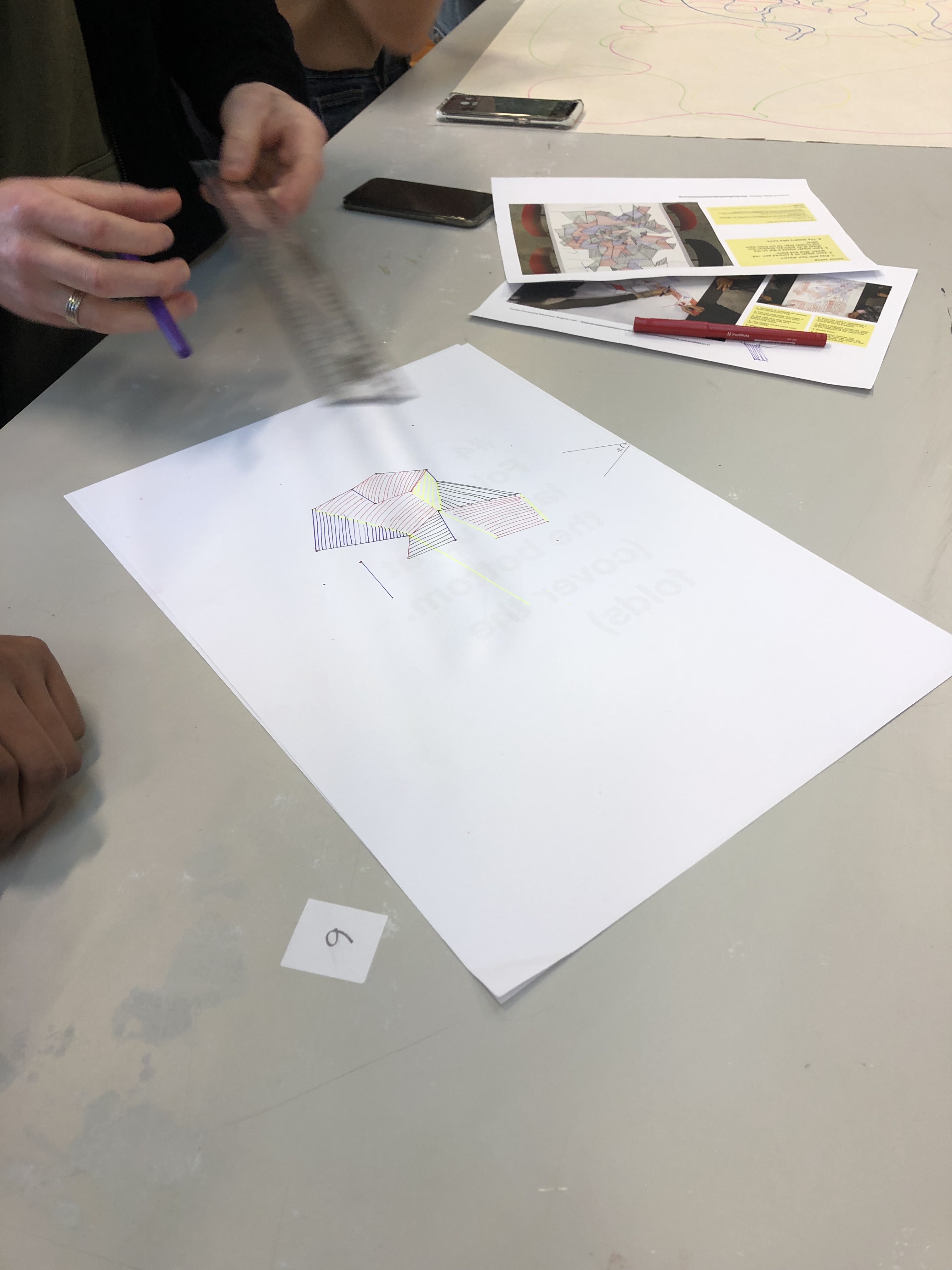
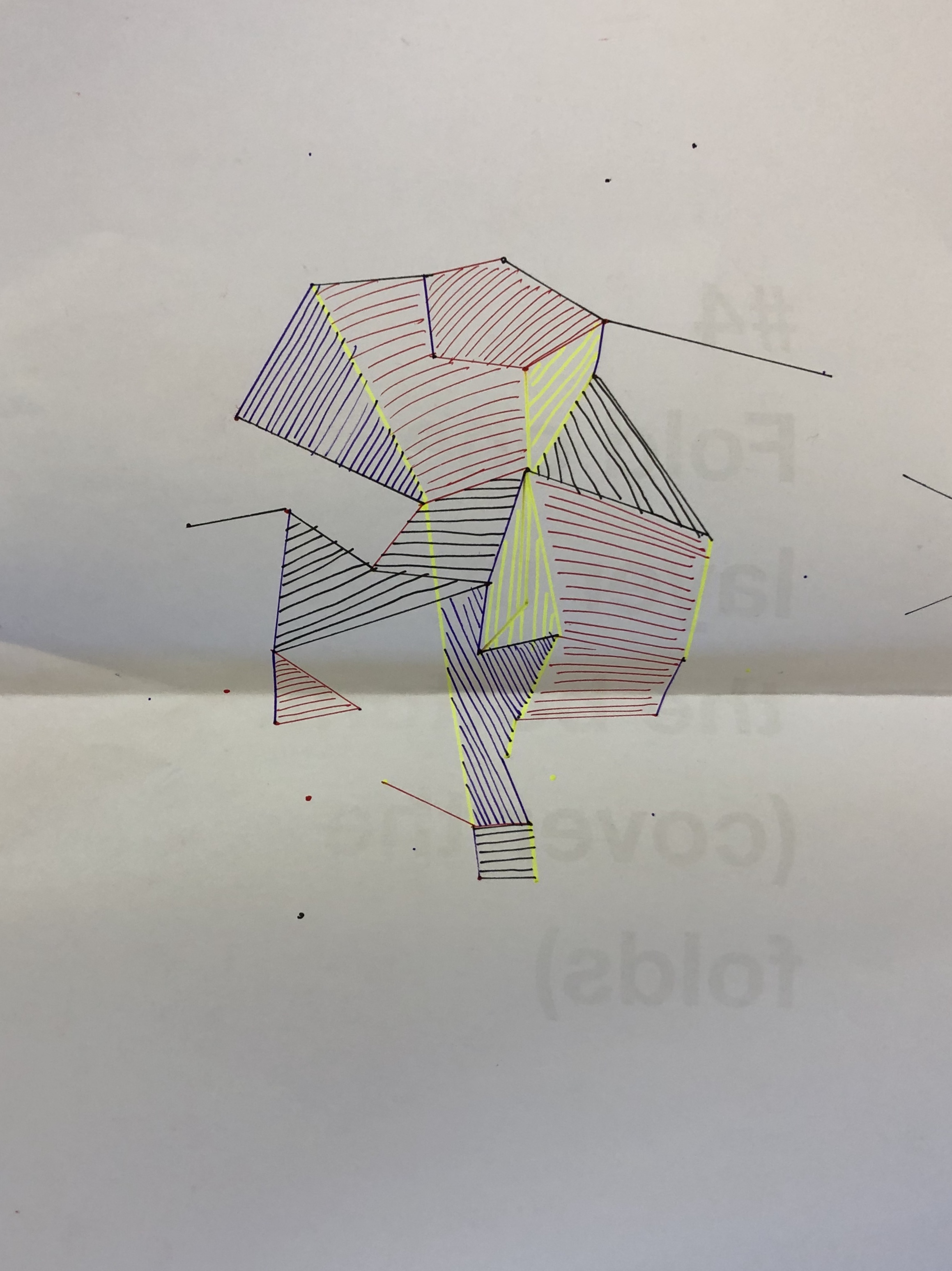
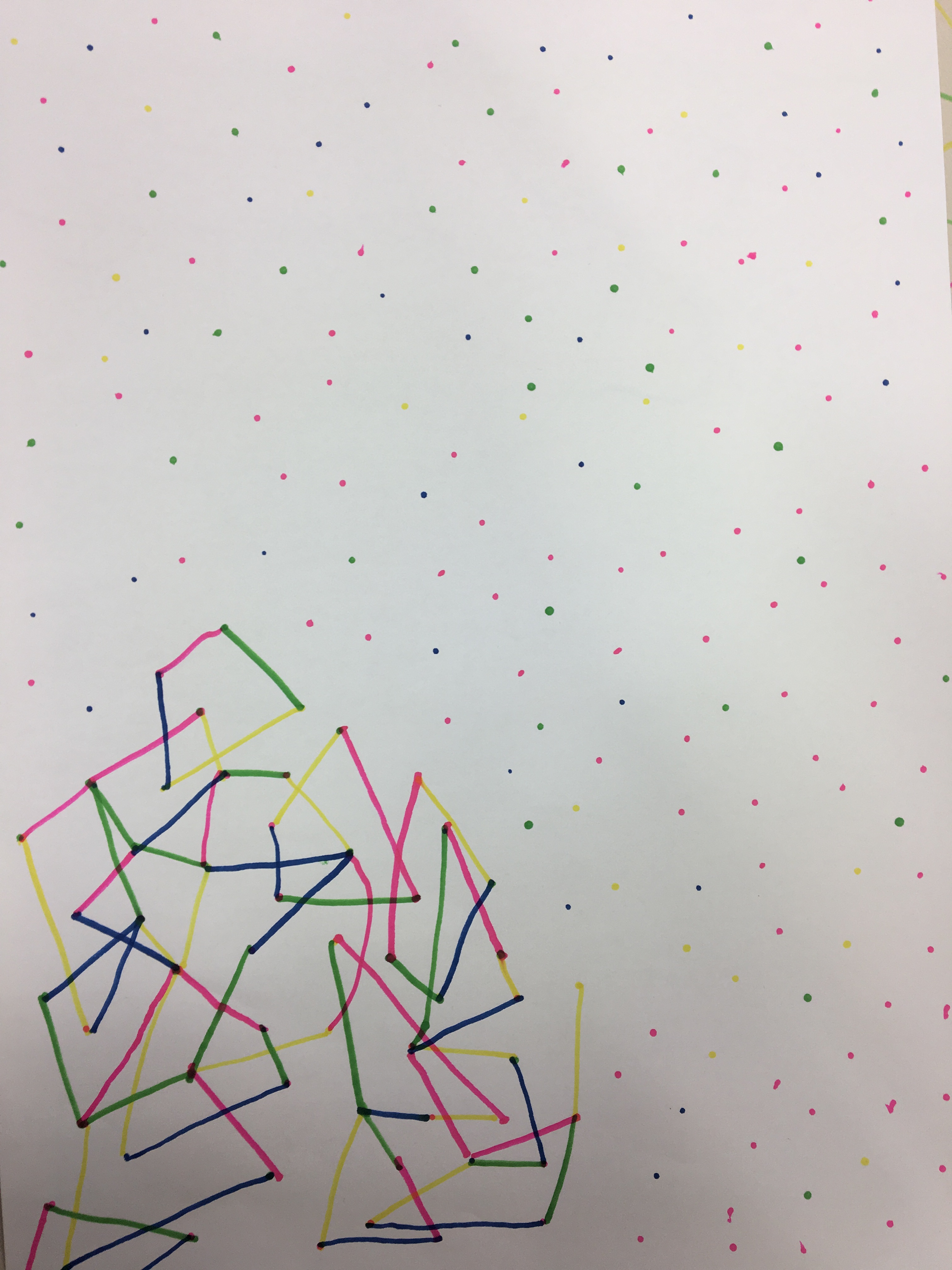
In a group of four we were given a set of rules to follow and create a design output. Each ‘player’ or team member had an assigned colour. The rules explained that on each players turn you would have to draw a dot no more than 10cm away from any other preexisting dot and then draw the smallest possible line between two dots within a designated angle of opportunity. Once a closed shape was formed the ‘closer’ had to fill in the shape with directional hatching to that of the closing line.

task two: ‘dot trapper 2000’
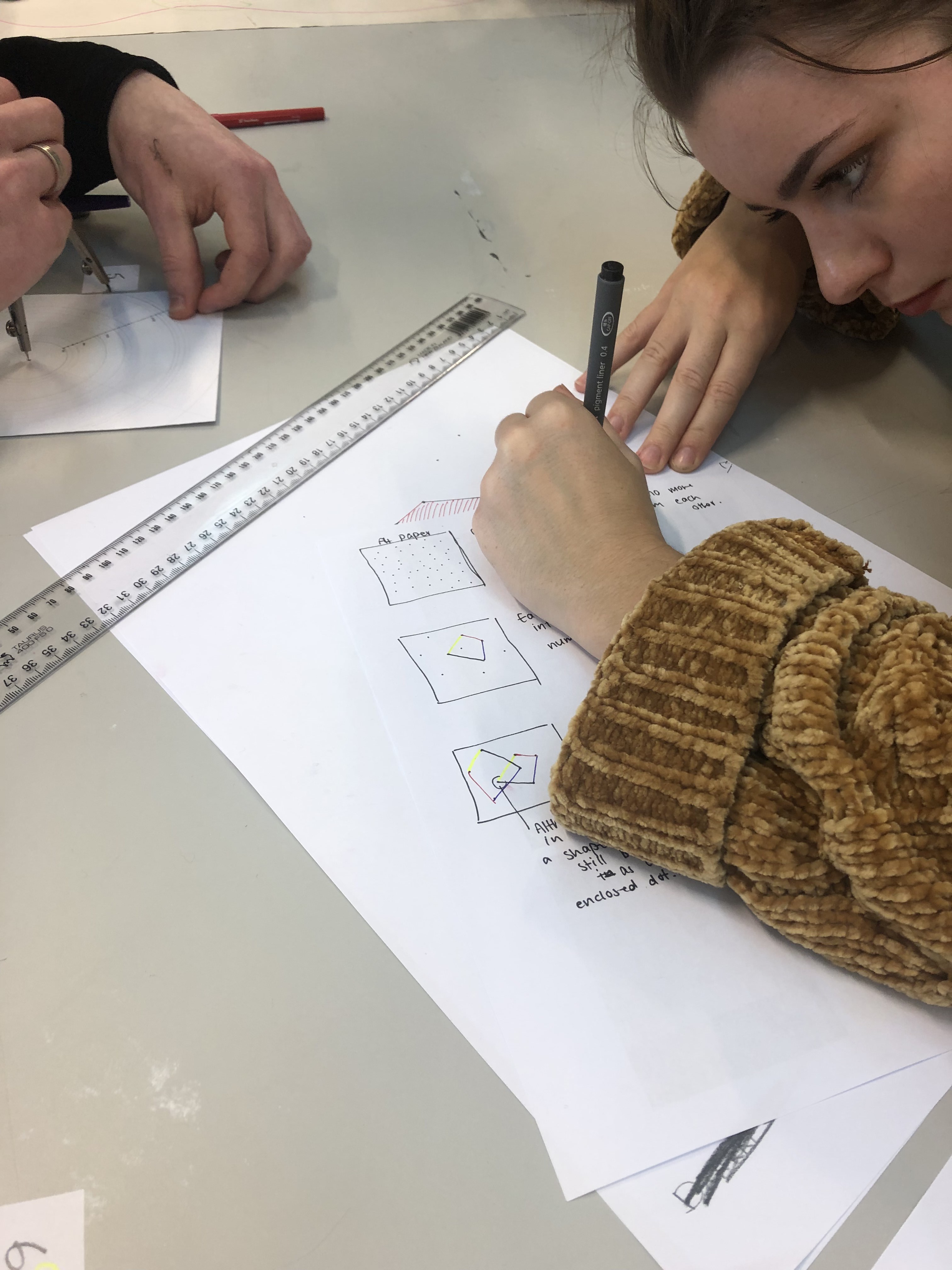
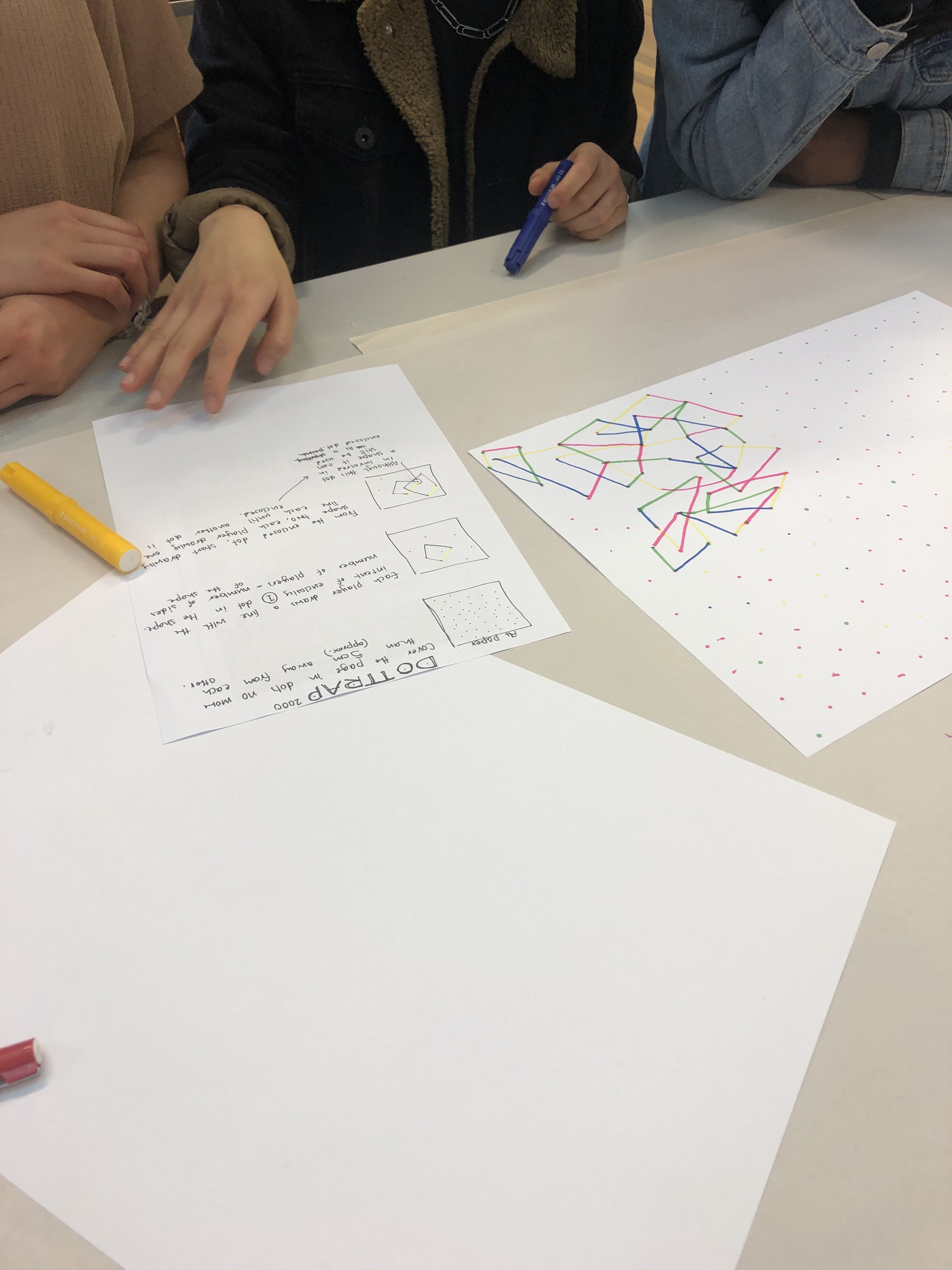
In our group we were now tasked with creating our own set of rules so that another group could create a desired design outcome. This task was interesting as we were able to see how the clarity of our rules impacted the outcome. We observed from the first task that having images to give us some indication of the final product helped in understanding the rules we had to follow.

task three: independent study
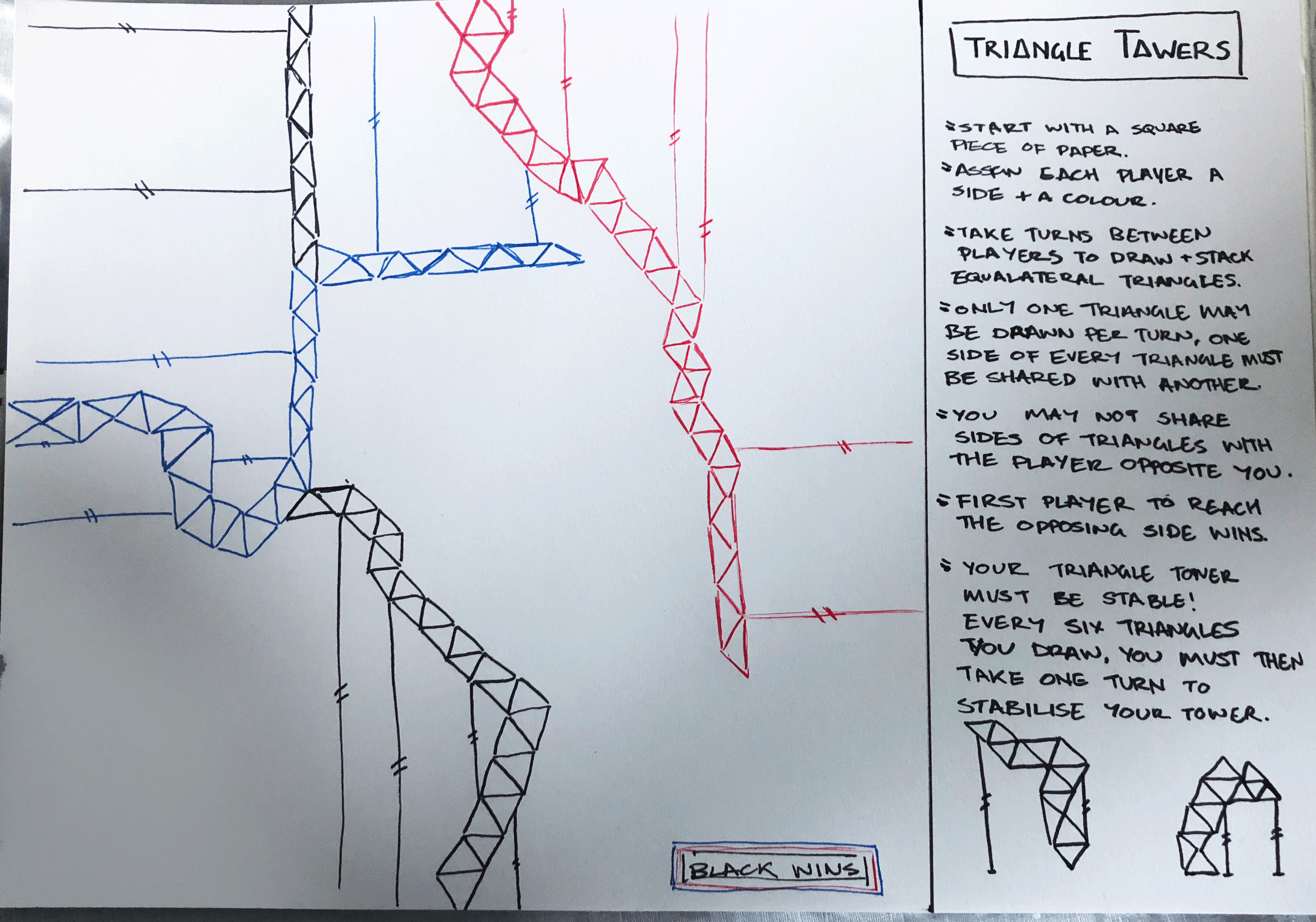
The third task was to make a third conditional design set of rules and to test out these rules on new people outside of class. What I came up with was ‘Triangle Towers’ in which the aim was to create a tower of equilateral triangles to reach the other side of a sheet of paper before the other players.

When this was tested out on a group of three players what I discovered was that the players altered the directions of the stabiliser poles to what was convenient to their path than what would be more realistically stable. Another aspect that was the player altered (unintentionally) was that their equilateral triangles began to turn into isosceles triangles, this sped up gameplay but the patterns made weren’t as unique. Perhaps an addition to this game would be to say that only equilaterals may be used when building vertically and isosceles for horizontal.

examples of creative coding

week one – thursday 18th of july

task four: – independent study
I found two cool examples of creative coding from this online gallery called ‘Open Processing’.

This first example ‘Orbit Waves’ I like because it is smooth and flowing whereas a lot of the creative code examples I found were more similar to my second example ‘Webby Numbers and Letters‘ where it was more static. That being said I have picked the numbers and letters design because I think the interactive element of changing it based on what you write on your keyboard is really cool, and I like that it is a moving ‘breathing’ typeface!

‘Orbit Waves‘ By Akshay Tiwari
‘create ‘wobbly’ numbers and letters‘ By Jerome Herr
Design a site like this with WordPress.com
Get started